
GlockOps
A downloadable game for Windows and macOS
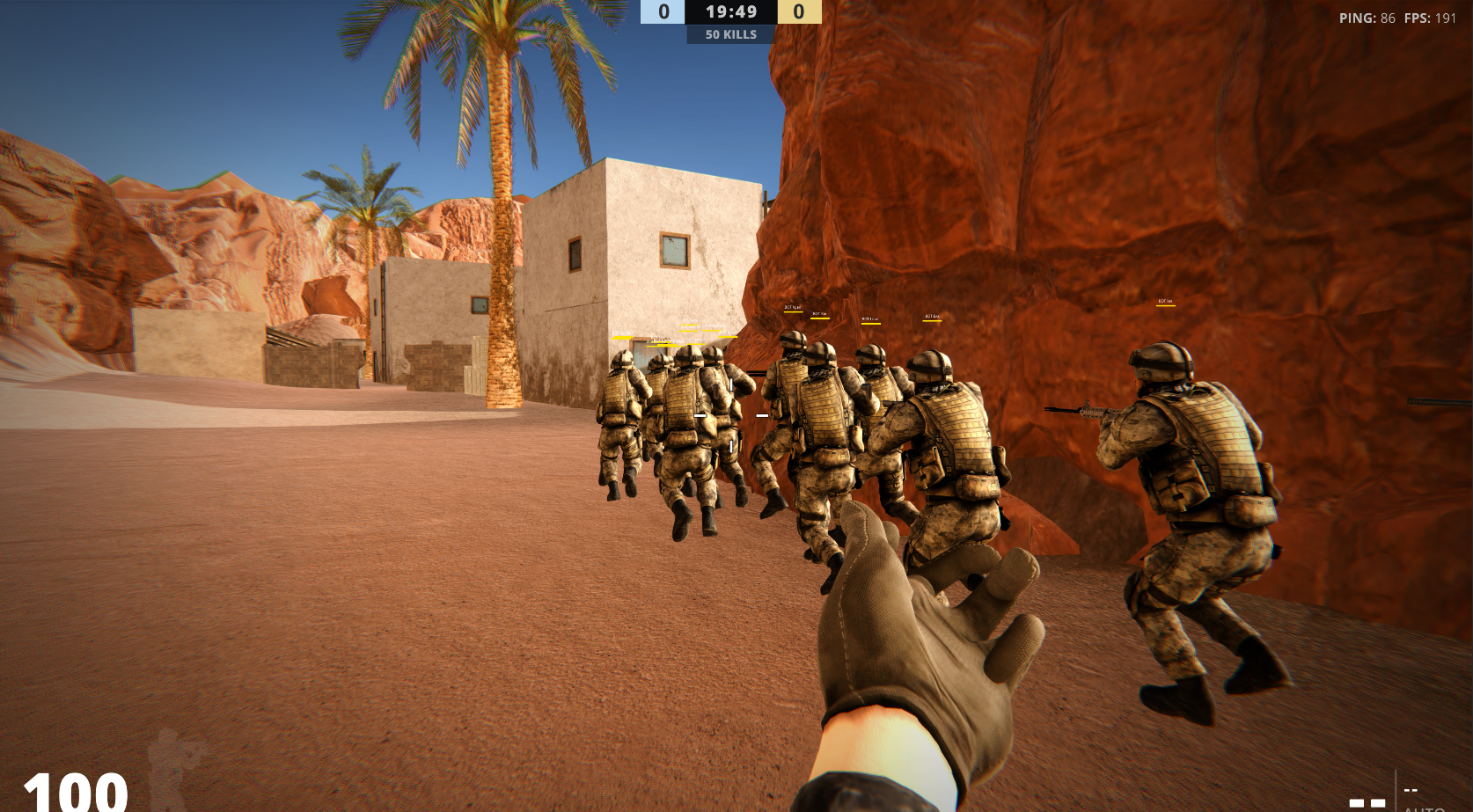
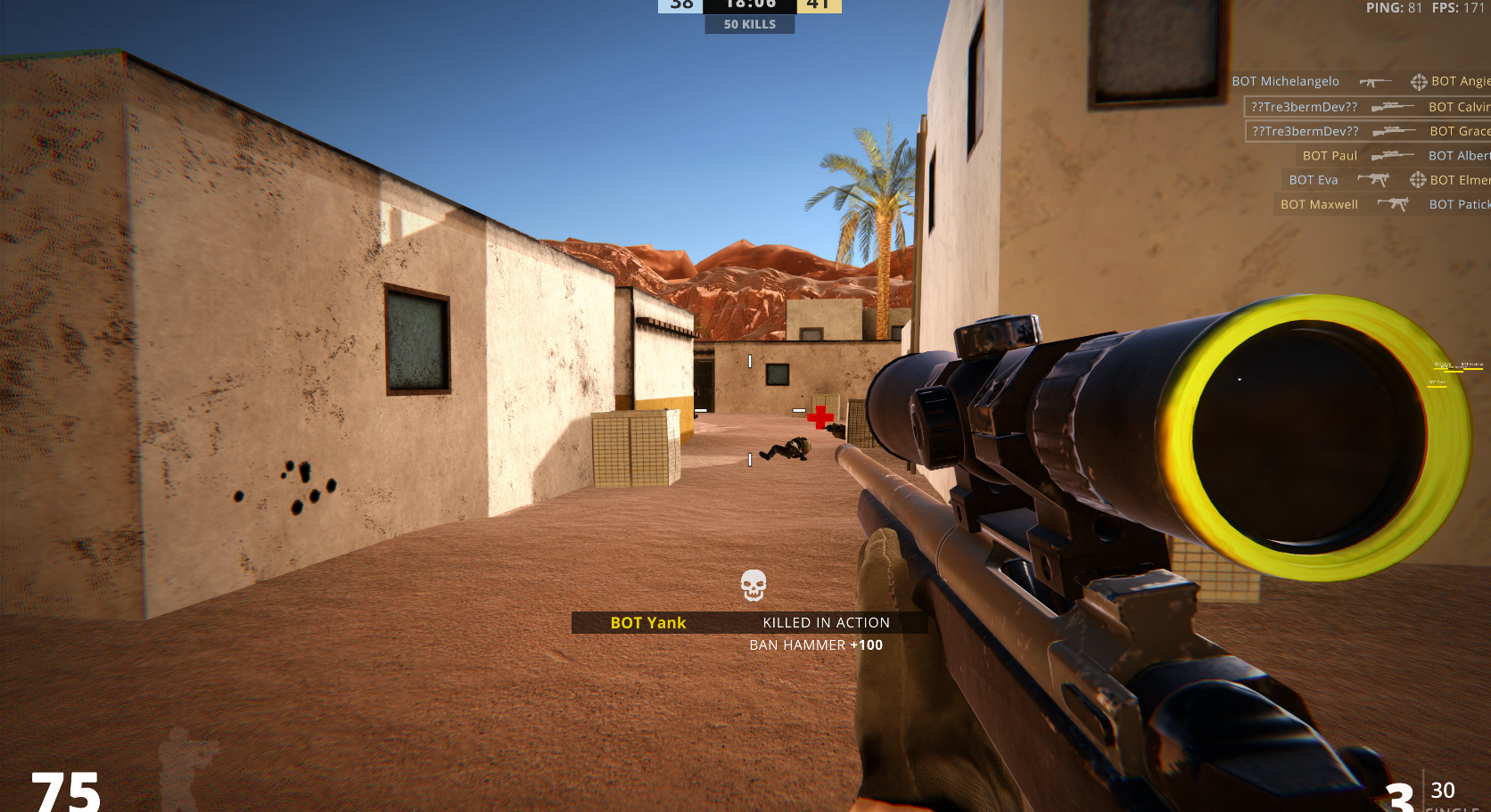
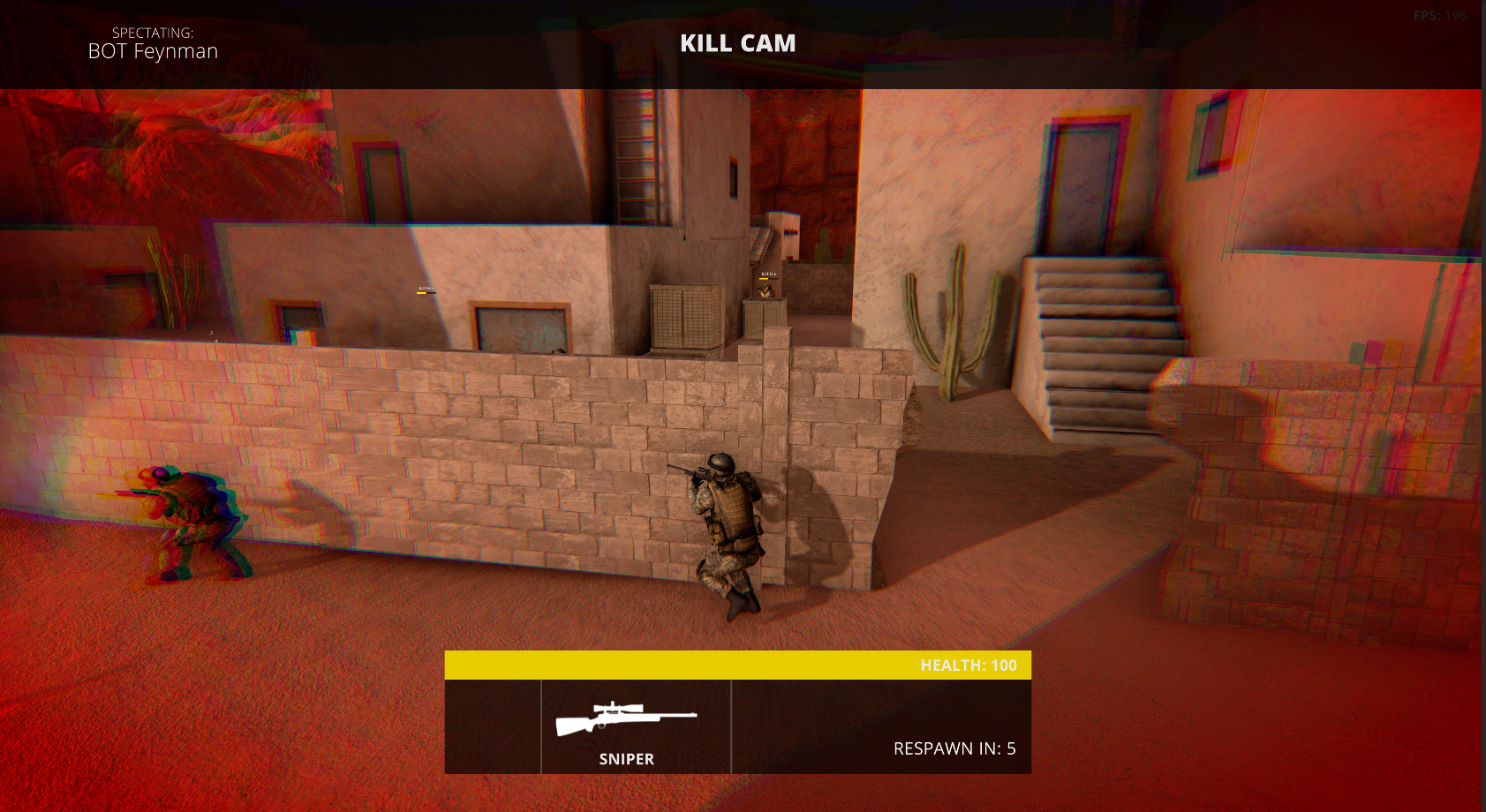
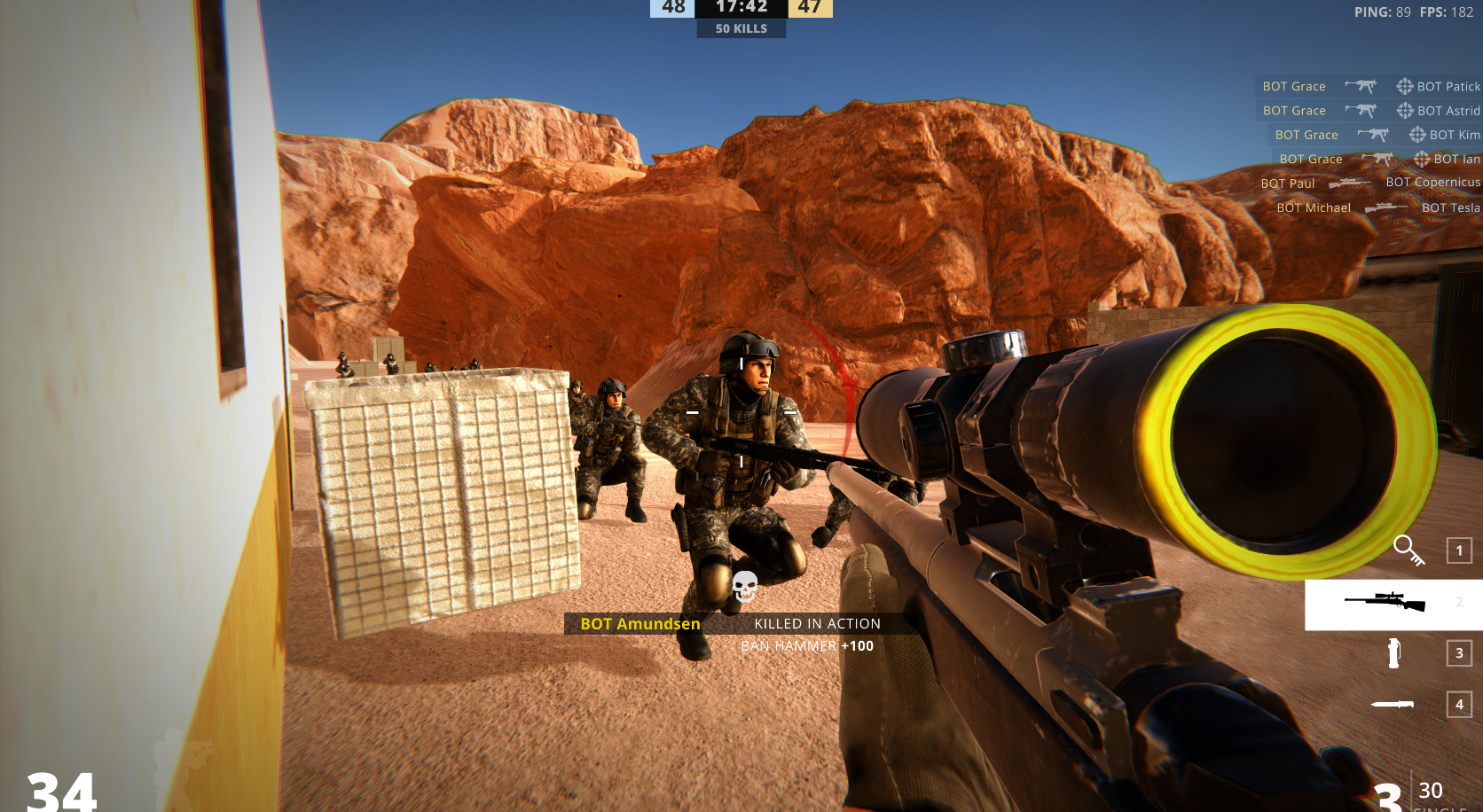
GlockOps is a tactical shooter where you fight against other people or bots, and take command of your own mission.
About This Game
This Game has taken me around 4-8 months to make, and I'm really exited to see how other gamers take this game, and what It's next steps will be.
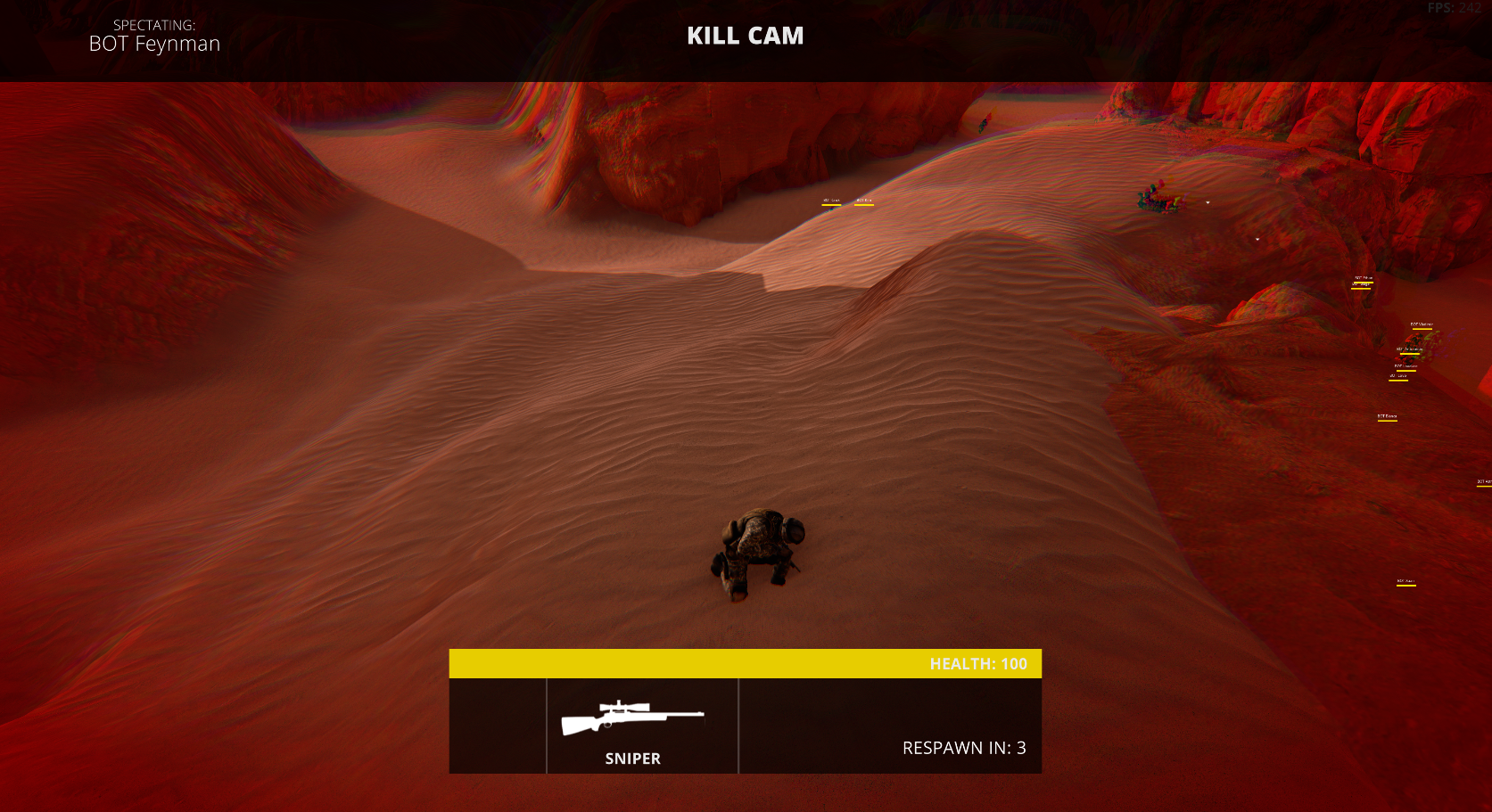
GlockOps is similar to other FPS games other there, you join a lobby, fire your gun at people and hope to land a hit. I've also implemented some fast passed movement strategies in and cant wait to see what tactics people will make with that as well. The overall goal of GlockOps is just for people to hang out with each other and have fun. This is one of the best games I've made so far and I've had tons of fun making it. The game is still in early development though, so expect bugs. If you find any bugs, i would be more than happy for you to notify me, or if you have any recommendations.

Main Features
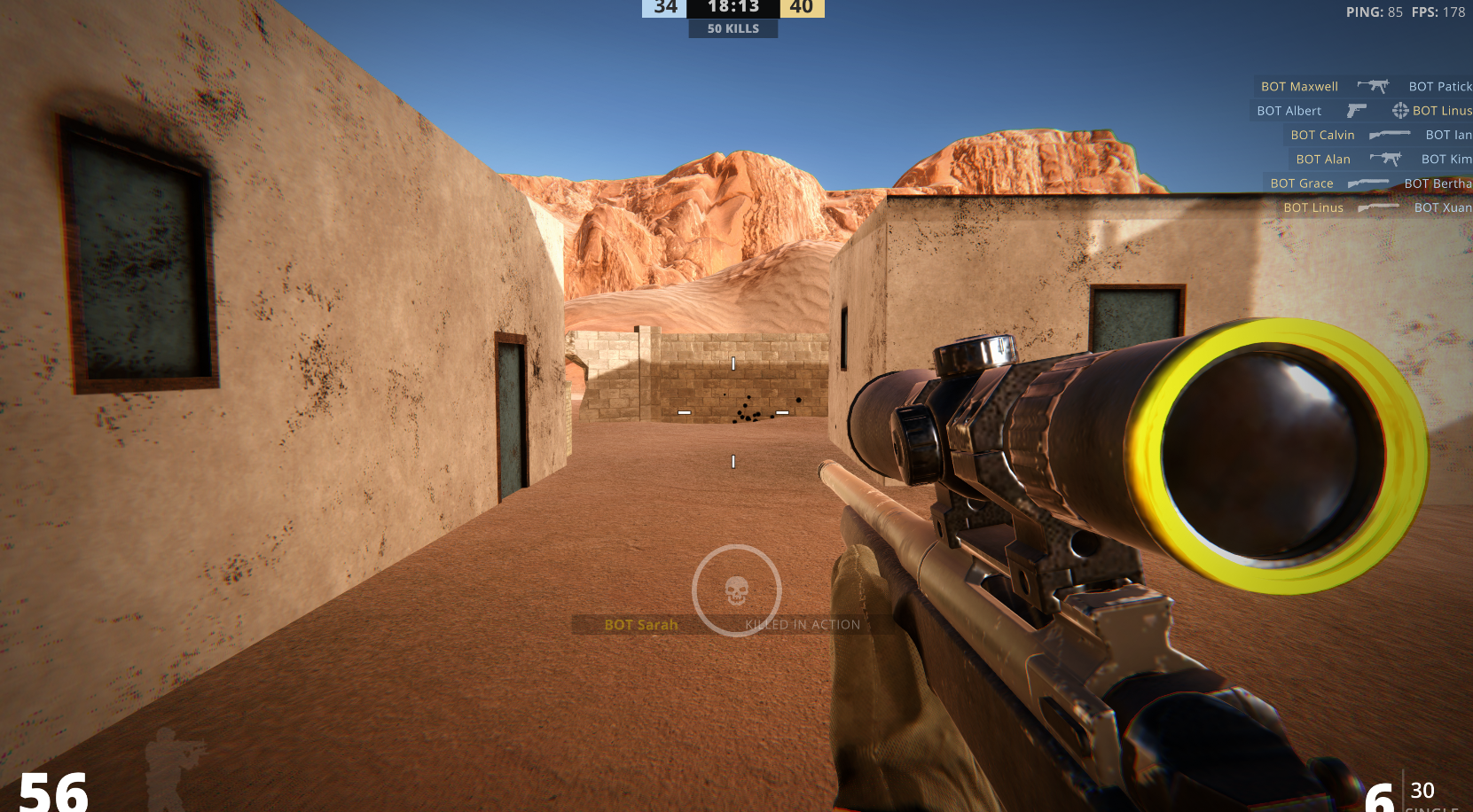
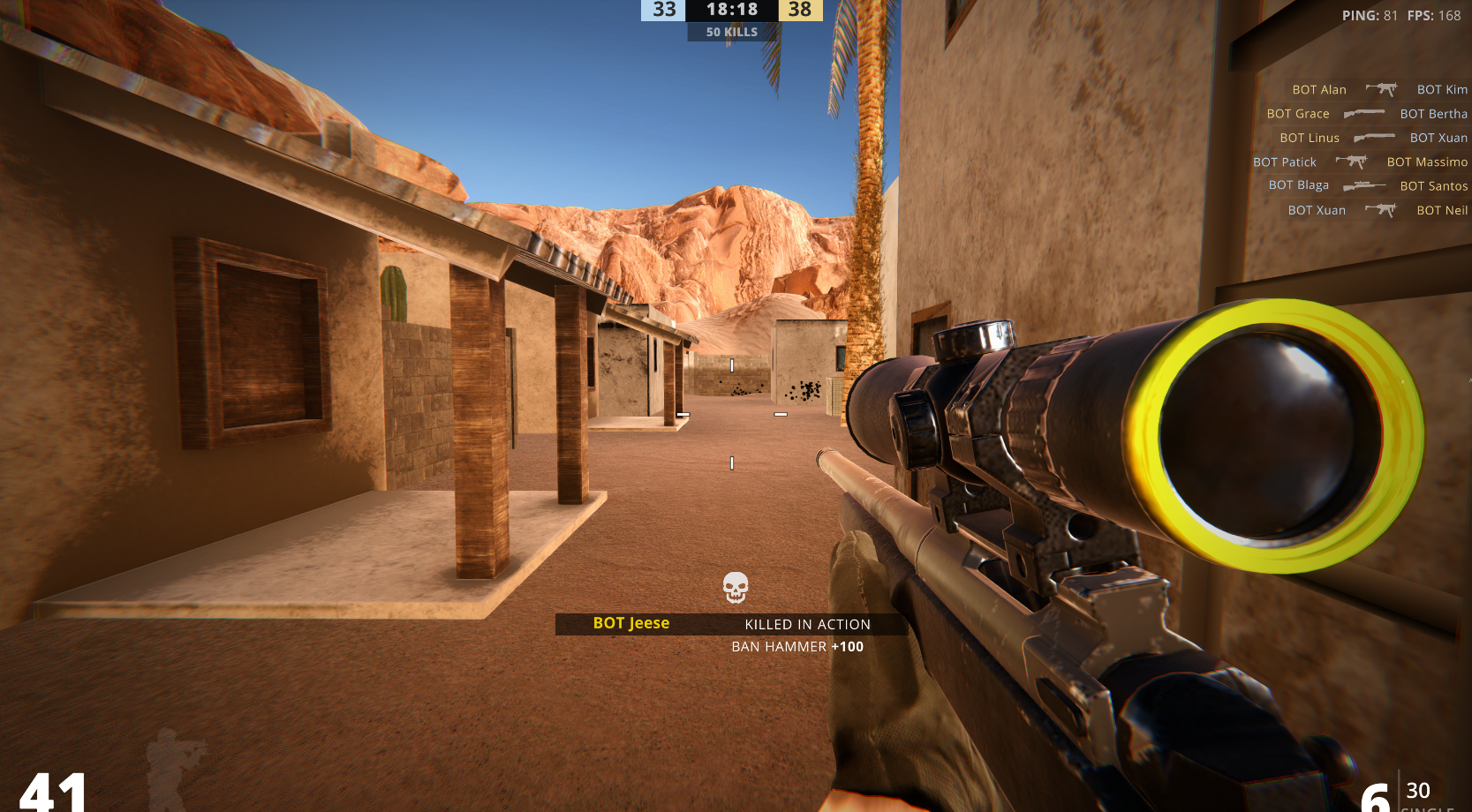
- Guns: GlockOps contains a verity of guns, from Snipers, to Glocks and AR's to Grenade launchers. I'm also planning to also add a gun mix and match system so you can fine tune your gun to your liking.
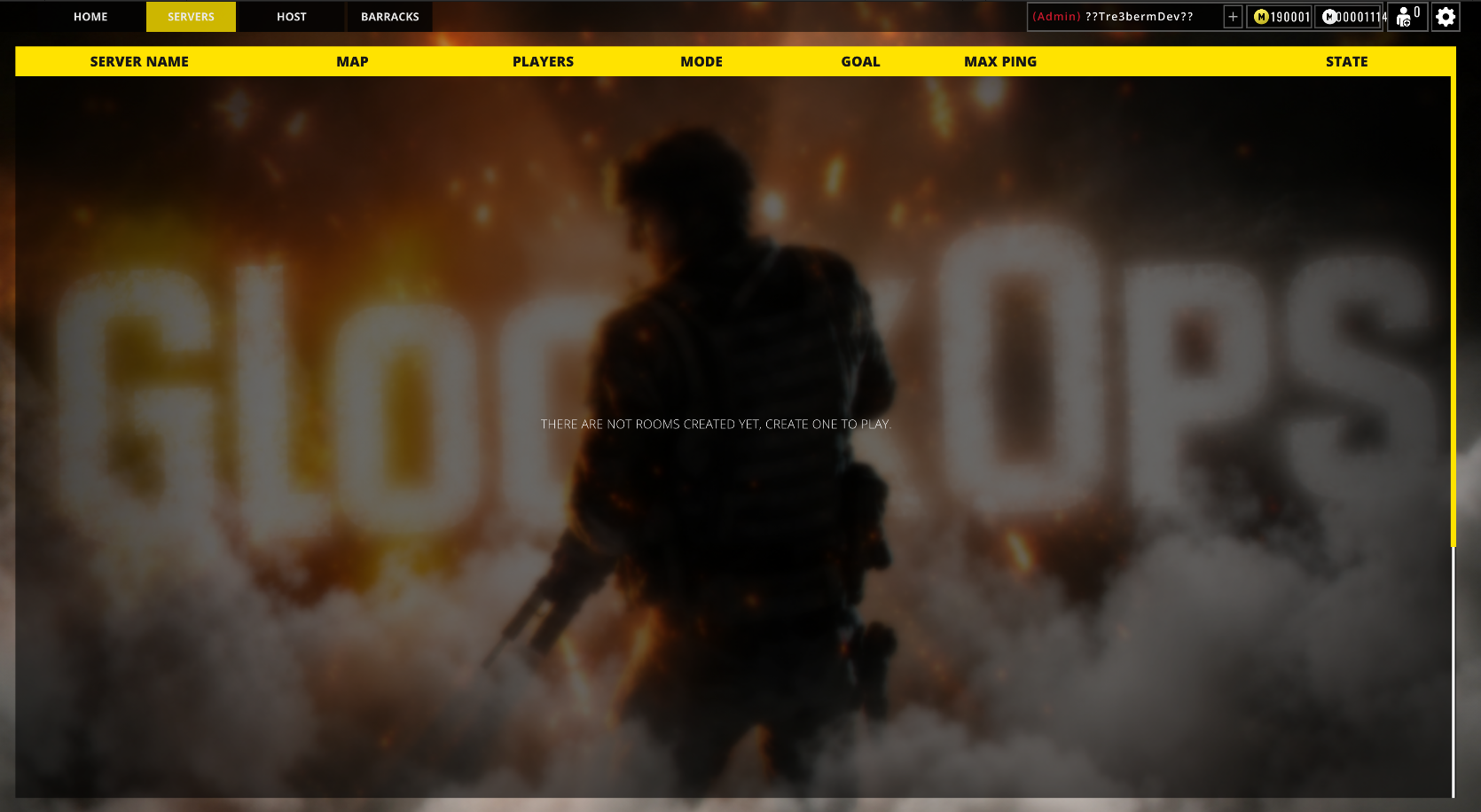
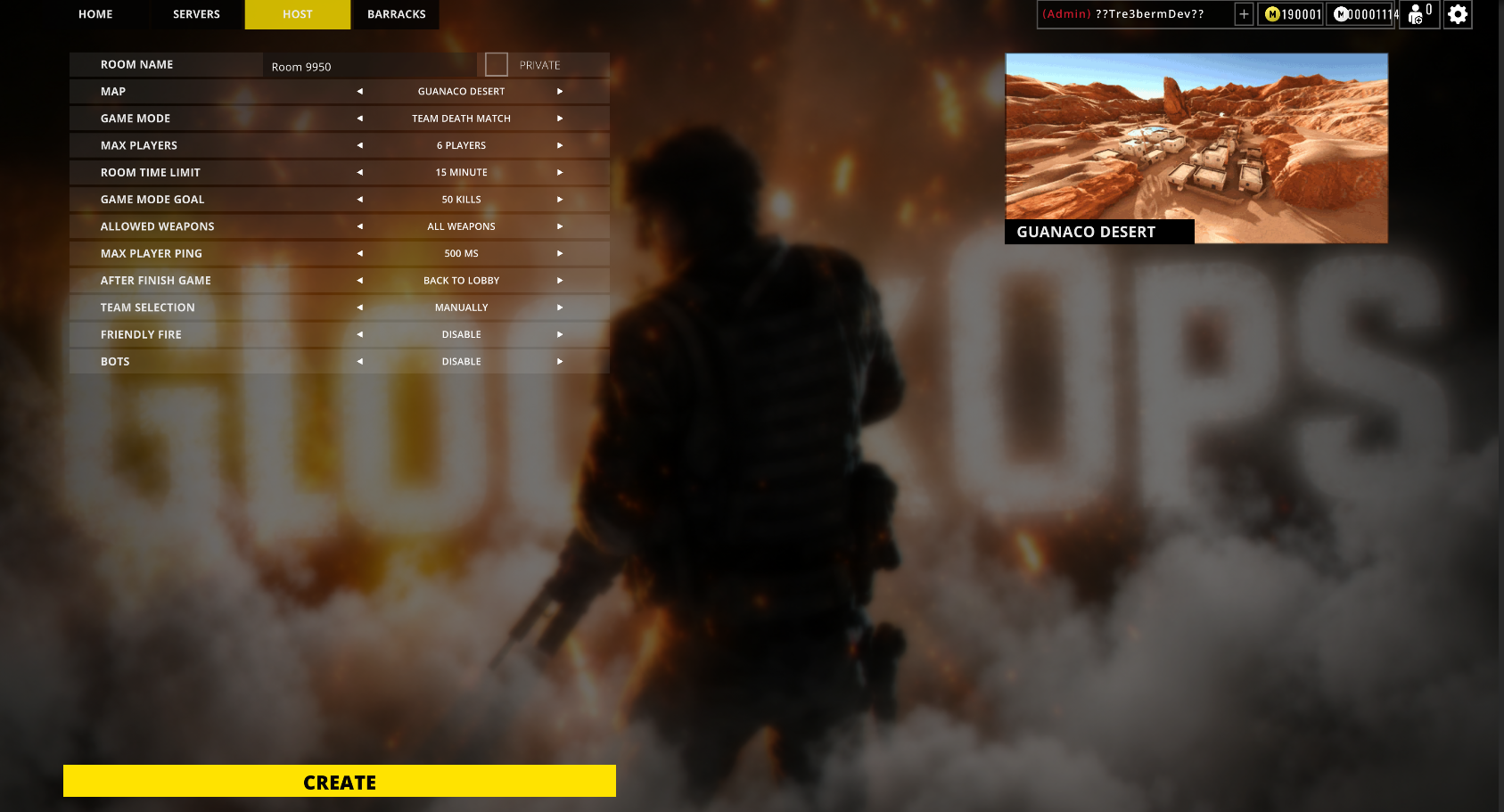
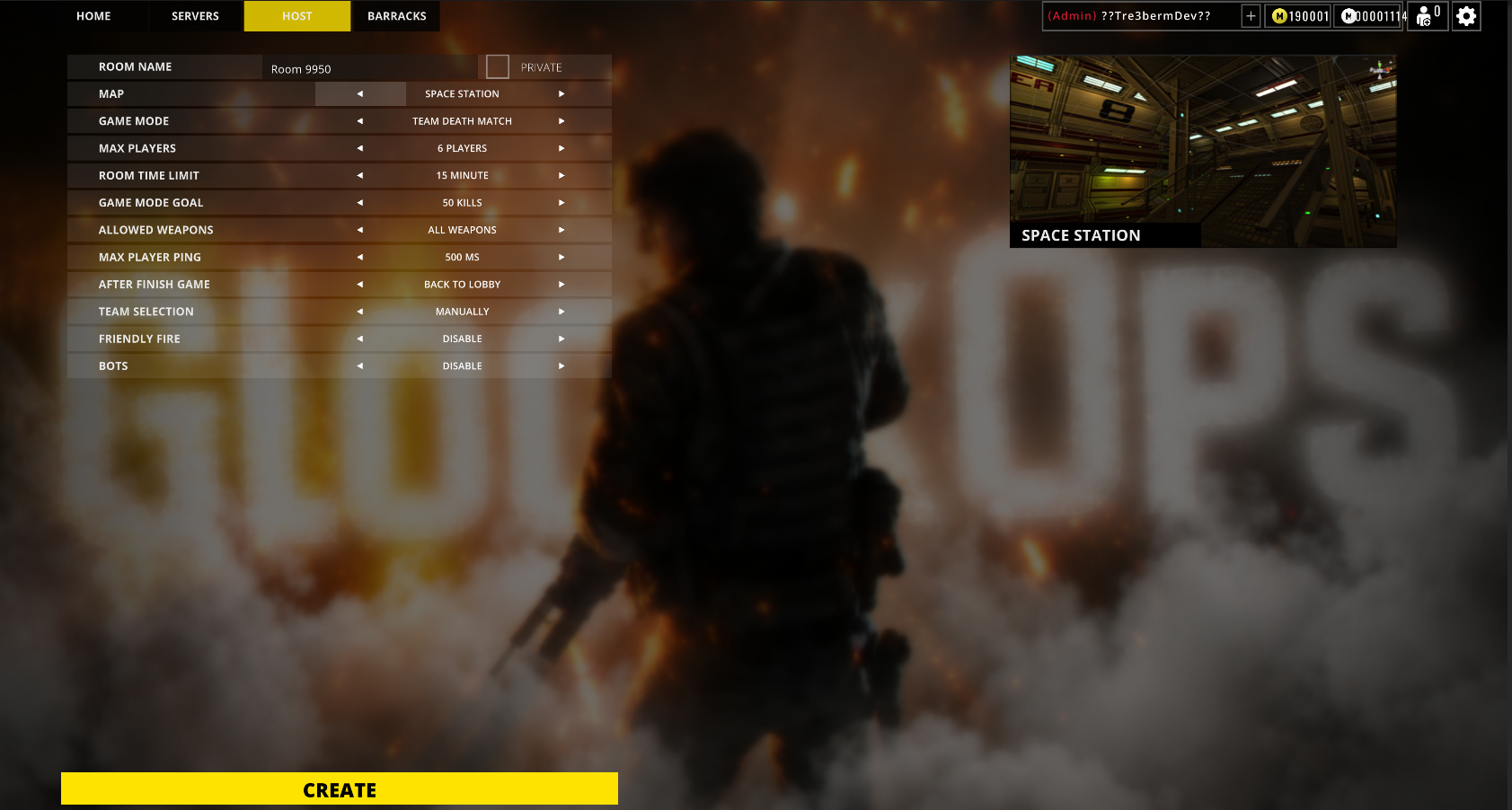
- Multiplayer: GlockOps also contains a multiplayer system so you can connect with others. with multiple different servers around the globe. Or if that's not your thing you can invite your friends and have a battle, just with them with the private server tool.
- Built In User System: instead of you just opening up the game and logging on, you can create your own account and nicknames (you'll use your nick name to add friends). Once you've set up your Nickname, User Name, and Password, your good to go, and once you log on again, all you game data will be reloaded from the save files.
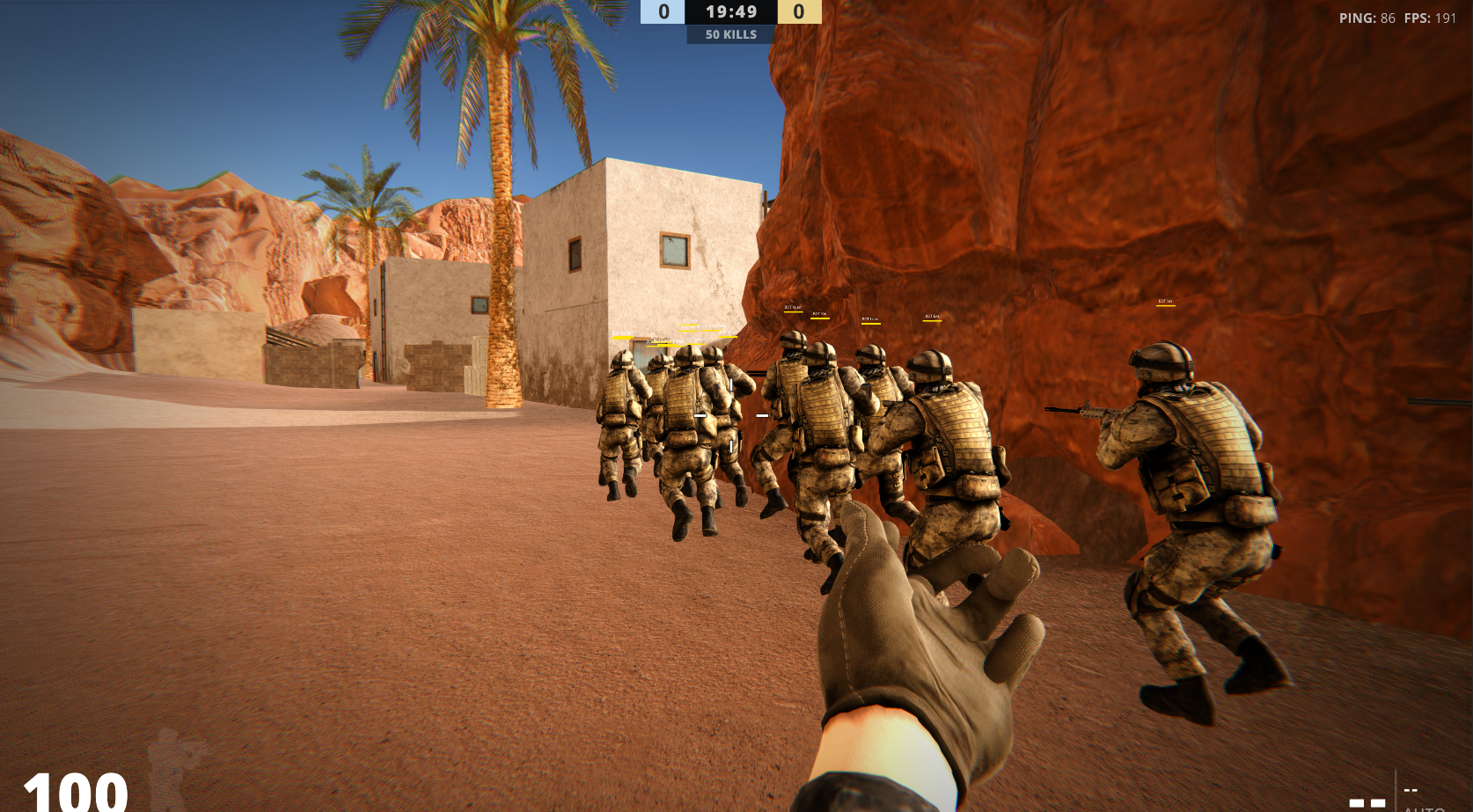
- NPC'S: if you have no friend like me or want to fill your lobby up but still want to enjoy the game, you can play with bots. Just toggle on bots and vola, you've magically just gone from no friends from all the friends you would ever need!
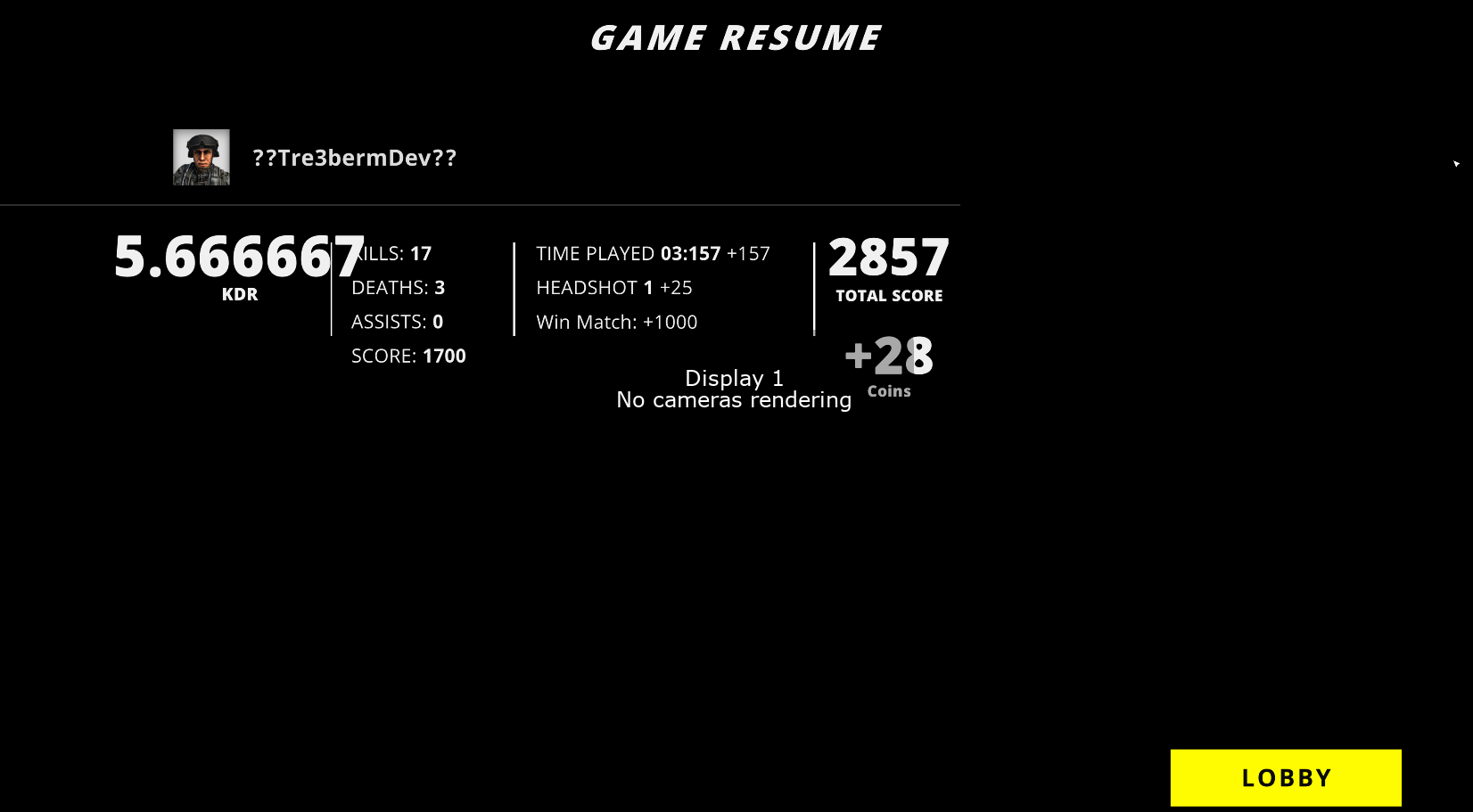
- Currency: GlockOps has to types of coins, XP coins and Gold coins. These two currency's will come in hand in future updates. You will get XP coins with every kill you get and bonus points for the head. you'll be able to collect your XP coins at the end of every round, but not before,. So don't leave a lobby mid way through game if you wan XP coins. Gold coins are similar, but are a little bit harder to get. Gold coin are worth around 2-3x the amount of XP coins and will be also used in areas where XP coins cant (V.I.P, crates, and other stuff bonus stuff). Gold coins will only be accessible through real life money but wont be that much to buy. both of these coins will be used to buy item, goods, and services in Game.
Future Updates
There are many planned future updates for the game that i have planned. Just a couple that I have are a Shop System, V.I.P, Weapon Customizers, and more. latter down the road, ill release a road map so you can expect what's coming and roughly when.
Closing Note
Thank you for taking your time to read all of this. I've always believed its not the games that count, its the users that play them. If you'd like to support the project please do through my patreon, any contributions go a long way in keeping our servers online and funding future updates!


Download
Install instructions

-Windows Instructions-

Step 1: Extract The Folder
- Go to your computer's Downloads folder and find the
.zipfile you just downloaded. - Right-click the
.zipfile and select Extract All... (or use your preferred unzipping tool like 7-Zip or WinRAR). - Choose a destination folder (or use the default) and click Extract.
- Note: Do not try to run the game directly from inside the zipped folder, or it may fail to save progress or load assets.
Step 2: Play the Game
- Open the newly extracted folder.
- Look for the file ending in
.exethat matches the game's name (it will usually have the game's icon). - Double-click the
.exefile to launch and play!

-MacOS Instructions-
Step 1: Unzip the Game
- Go to your Downloads folder and double-click the
.zipfile to extract it. - .(app>span class="citation-89"> (e.g.,
GameName.app). - Optional: Drag and drop the
.appfile into your main Applications folder for easy access.
Step 2: Play the Game (Bypassing Gatekeeper)
Because indie developers often don't pay Apple's annual developer fee for code signing, macOS will usually block the game from opening the first time.
- Right-click (or hold
Controland click) on the.appfile. - Click Open from the shortcut menu.
- A warning window will pop up saying macOS cannot verify the developer. Click Open anyway in that prompt.
(You only have to do this right-click workaround the very first time you launch the game).